Table Extraction Vendor Comparison for Scanned PDFs
Two competing architectures determine which vendor succeeds on scanned PDFs.

Table extraction from scanned PDFs is a different engineering problem than extraction from native PDFs, and the vendors who solve it well are organized around that difference at the architectural level, not the feature level. Two distinct designs now compete for this workload, layout-first vision models and OCR-plus-structure pipelines, and which camp a vendor belongs to determines where it will succeed and where it will fail, independent of any benchmark score it publishes. The vendors worth evaluating for production document workflows, including Extend, Docling from IBM Research, and tools built around pytesseract, split cleanly along this line, and the rest of this piece works through what each architecture can and cannot do, and how to test for it on a real document corpus rather than a vendor's demo set.
Scanned PDFs and table extraction tools built for native documents
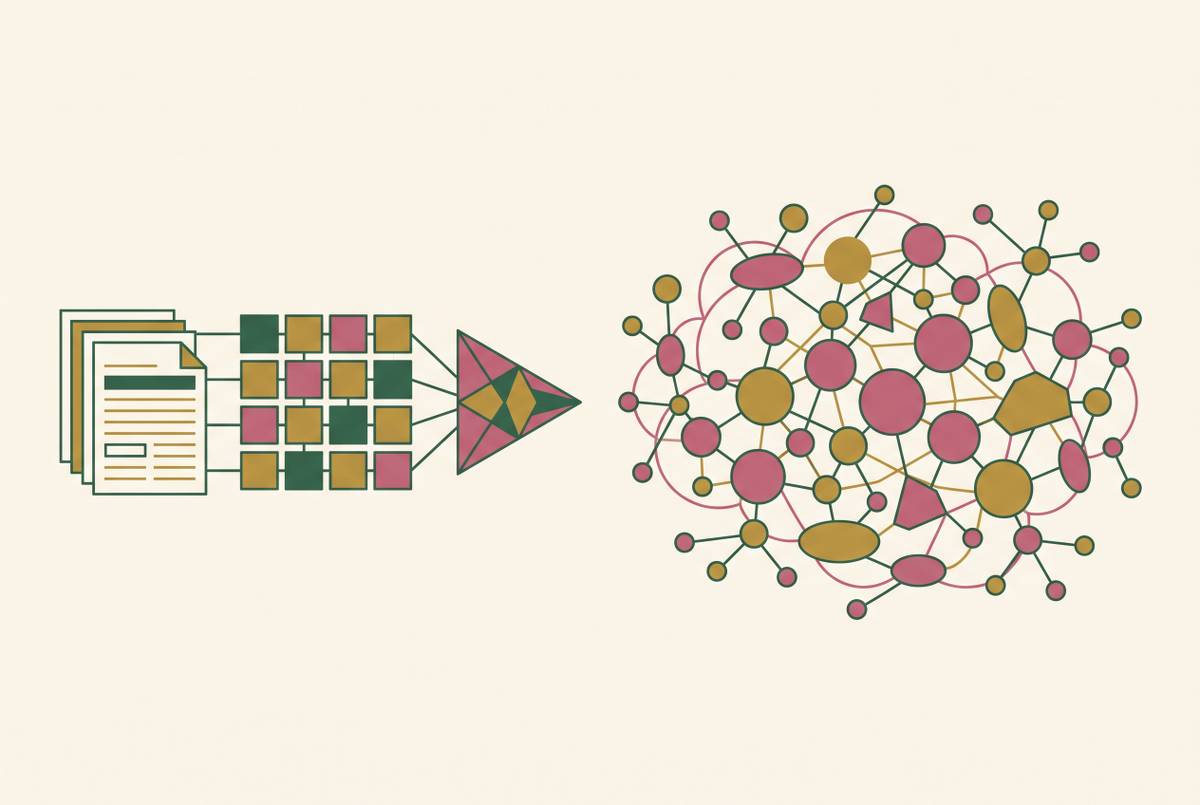
A scanned PDF holds no native text layer, no character sequence, no coordinate data, no row or column definition that a parser can read directly, because the page is a pixel image and nothing more. You have to solve two separate problems first, optical character recognition and structure reconstruction, before any table-specific logic can even begin to run. This creates a cascade rather than a side-by-side split: pixel quality affects OCR quality, OCR quality affects layout detection, layout detection affects structure recognition, so a failure introduced at one stage propagates forward and is invisible to downstream tools. Tools designed for native PDFs, Tabula, Camelot, and pdfplumber among them, have no built-in path for image-based pages and return empty output without an error, producing nothing on a scanned file rather than producing it slowly (Camelot does offer an optional ML/OCR backend as a separate install that can handle scanned PDFs, but the core library cannot). Four failure modes define this territory specifically: borderless tables, where cell boundaries have to be inferred from whitespace rather than read from a ruling line; merged cells, which break the uniform grid a parser assumes; multi-page tables, which require headers to be reassociated across a page break; and low-quality scans, where degraded pixels poison every stage that follows. A document processing platform built for native text can have an OCR step bolted on front, but that doesn't make it a system designed for the compounding failure chain that scanned documents actually produce, so vendors need to treat OCR and structure reconstruction as interdependent from the start. Specialized platforms built for production AI agents use layout-first vision models, treating pixel-to-structure conversion as one unified engineering challenge rather than an OCR step followed by a guess.
The two architectural responses vendors have built to this constraint
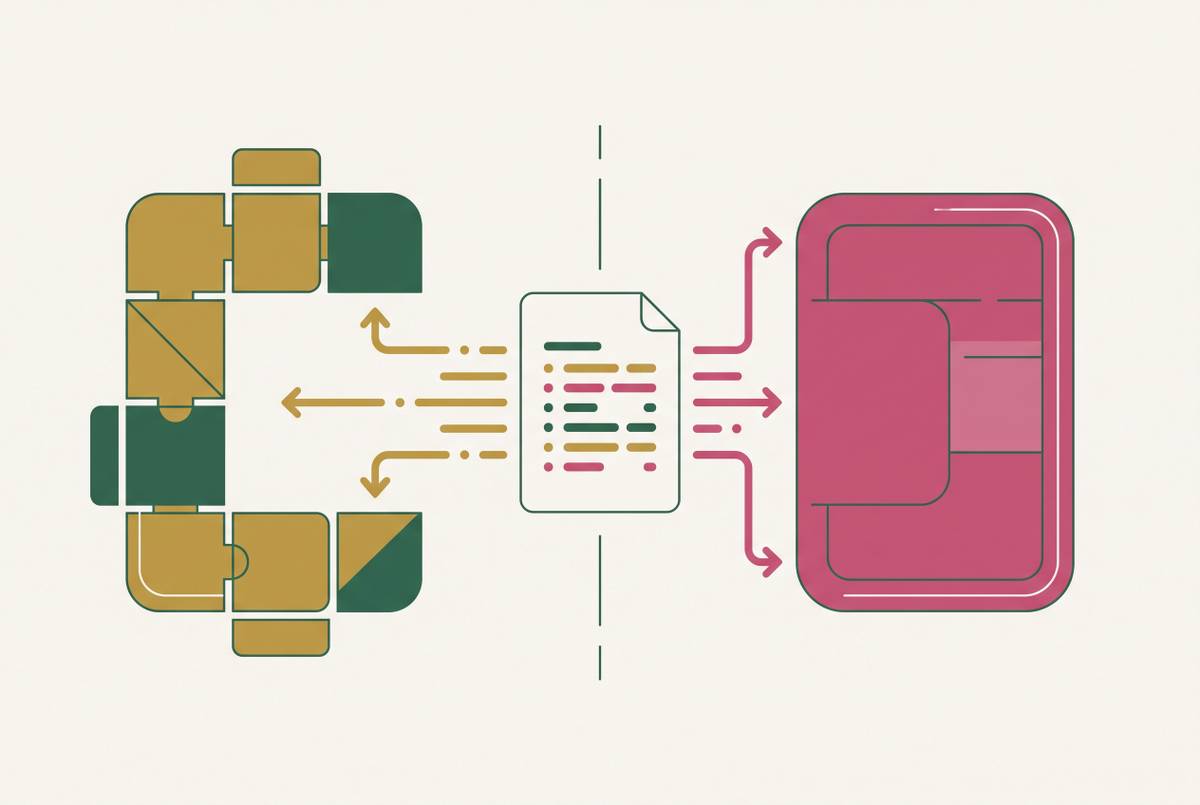
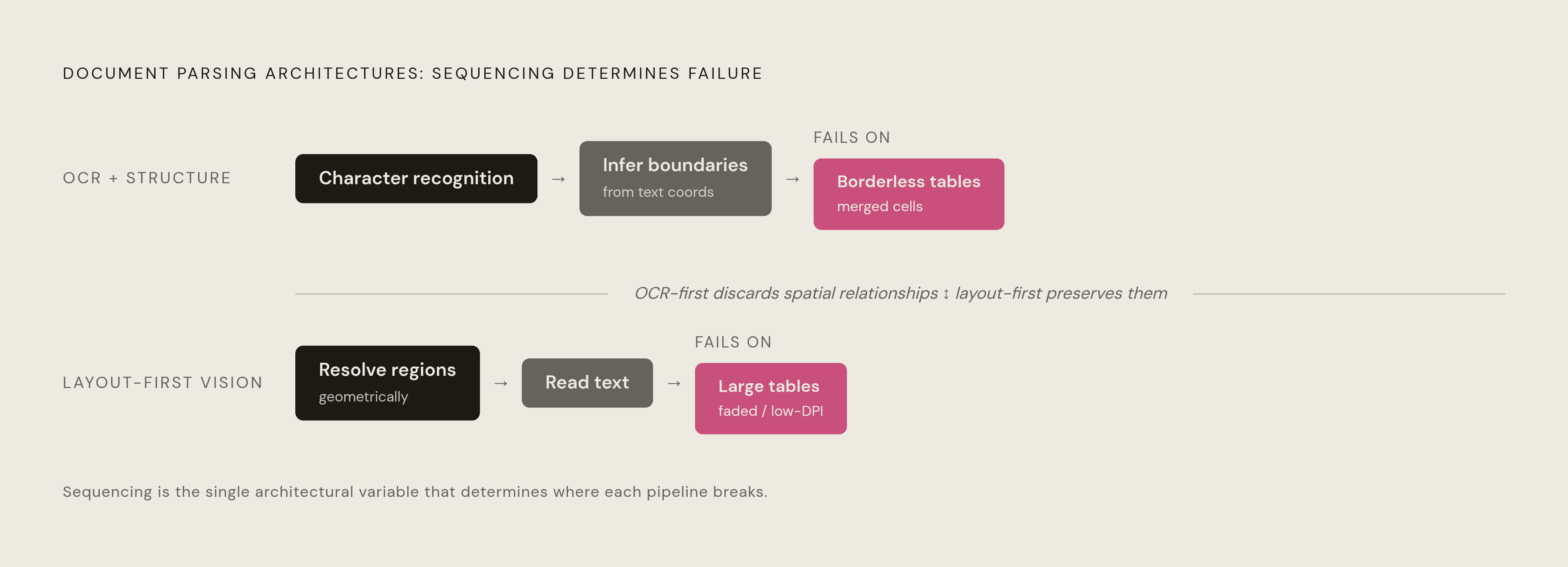
The table extraction market has split into two architectural camps, layout-first vision models and OCR-plus-structure pipelines, and a vendor's membership in one camp or the other sets the boundary of what it can do regardless of what its marketing page claims. OCR-plus-structure pipelines run character recognition first and then infer table boundaries from the text coordinates that OCR happens to produce, so the structure of the table gets reconstructed after the fact from whatever OCR decided to read. Layout-first vision models take the opposite route, treating the page as an image first and identifying bounding regions, table boundaries, column separators, row spans, geometrically, before any text inside those regions gets read. Docling, built by IBM Research, sits in a hybrid middle ground: it runs a deep learning layout analysis model trained on a combined dataset that includes DocLayNet, a proprietary DocLayNet-v2, and WordScape, all made up of manually annotated document pages, and it pairs OCR with a dedicated table structure model called TableFormer rather than leaving structure inference to whatever the OCR output happens to contain. The distinction between these two architectures, not accuracy claims, not pricing tier, not integration ecosystem, is the design decision that should organize any vendor comparison from the start.
What OCR-plus-structure pipelines can and cannot do in production
The limitation built into OCR-plus-structure pipelines is architectural rather than a matter of insufficient tuning or thin training data: structure inference runs after the OCR step has already thrown away the spatial relationships a table depends on. A July 2026 offline benchmark tested this directly on a 35-row by 7-column scanned table with no text layer, and pytesseract, standing in as the representative pure-OCR tool, performed poorly because it carries no table structure awareness at all. This doesn't make OCR-plus-structure pipelines a poor choice across the board. They remain the right tool for clean, digitally-generated PDFs with consistent column alignment, for standardized forms with fixed column widths, and for high-volume workloads where speed and determinism matter more than structural accuracy on complex layouts, so they trade structural precision for throughput. A finance team that processes thousands of identically-formatted invoices a day, each with the same column layout, gets speed and predictability out of this architecture, and a heavier layout-first model doesn't need to give them that. The failure appears when the document deviates from a standardized layout, so you need to check for that condition before you rely on an OCR-first vendor at scale.
Capabilities and limits of layout-first vision models in production
Layout-first vision models can recover table structure that OCR-first pipelines cannot reach by design, but they fail in their own ways when tables are large, when visual evidence is weak, or when a document's scale exceeds what a single pass can reliably process. The core advantage comes from sequencing: because bounding regions get resolved before any text is read, these models preserve cell adjacency, column alignment, and spanning relationships even inside borderless tables, recovering exactly the spatial information that OCR throws away. Extend's Parse 2.0 illustrates the production implementation: it detects table regions using a vision model trained on more than 1M documents, achieving 0.847 Adjusted F1 on layout accuracy and extracting borderless tables without per-document tuning. This approach, resolving table structure before any character-level processing starts, is what lets a layout-first system recover merged cells, multi-line headers, and rotated tables that OCR-first approaches miss outright.
The failure modes are documented rather than theoretical. TableParseMap, a diagnostic benchmark built from 916 real-world complex tables, found that the strongest parser it evaluated, MinerU2.5-Pro, which scores well on OmniDocBench v1.6, drops to 85.03 TEDS on complex real-world tables and falls below 80 on the Implicit Semantic scenario, a gap that an aggregate benchmark score never surfaces on its own. The researchers traced this to three sources: large tables exceed the reliable processing scale of a single pass because visual-token capacity is finite, weak or ambiguous visual cues, borderless layouts, faded print, low-DPI scans, prevent reliable structure recovery regardless of model quality, and reconstructed output can remain visually inconsistent with the source image even when the structure looks plausible on its own. Layout-first models are the right choice for scanned documents with complex layouts, borderless tables, merged cells, multi-page tables, and any high-stakes extraction where getting the structure right outweighs shaving milliseconds off latency.
Why vendor-reported accuracy numbers cannot substitute for architectural understanding
Vendor-reported accuracy and independent benchmark accuracy diverge constantly, largely because most benchmarks run on document types that favor clean layouts, while production documents arrive with exactly the adversarial conditions, borderless tables, faded scans, merged cells, that expose the limits built into a given architecture. If multiple vendors claim high accuracy on the same difficult document corpus at the same time, that is arithmetically impossible when the corpus is actually shared and actually difficult, so you can't trust vendor self-reported numbers as a category on their own. Independent benchmarks carry their own gaps. The TableParseMap authors found that parsers scoring above 93 TEDS on OmniDocBench v1.6 still show persistent failures on complex real-world tables, and community reports describing large tables, borderless layouts, missing content, duplicated outputs, row-column misalignment, and incorrect merged cells all show up at these high benchmark scores. Benchmark methodology itself remains an open research question: an LLM-as-judge evaluation framework reached strong correlation with human judgment, a Pearson r of 0.93, while the rule-based metrics most vendors cite, TEDS, GriTS, and SCORE, correlated far more weakly with how a human actually judges quality. If you look at most vendor comparison pages, the metrics there are the weakest predictors of what buyers actually care about. A sound use of benchmarks scores text accuracy, layout order, table structure, and operational reliability as four separate dimensions, because one strong aggregate number can hide a weak result on any one of them.
Building an architecture-aware evaluation before selecting a vendor
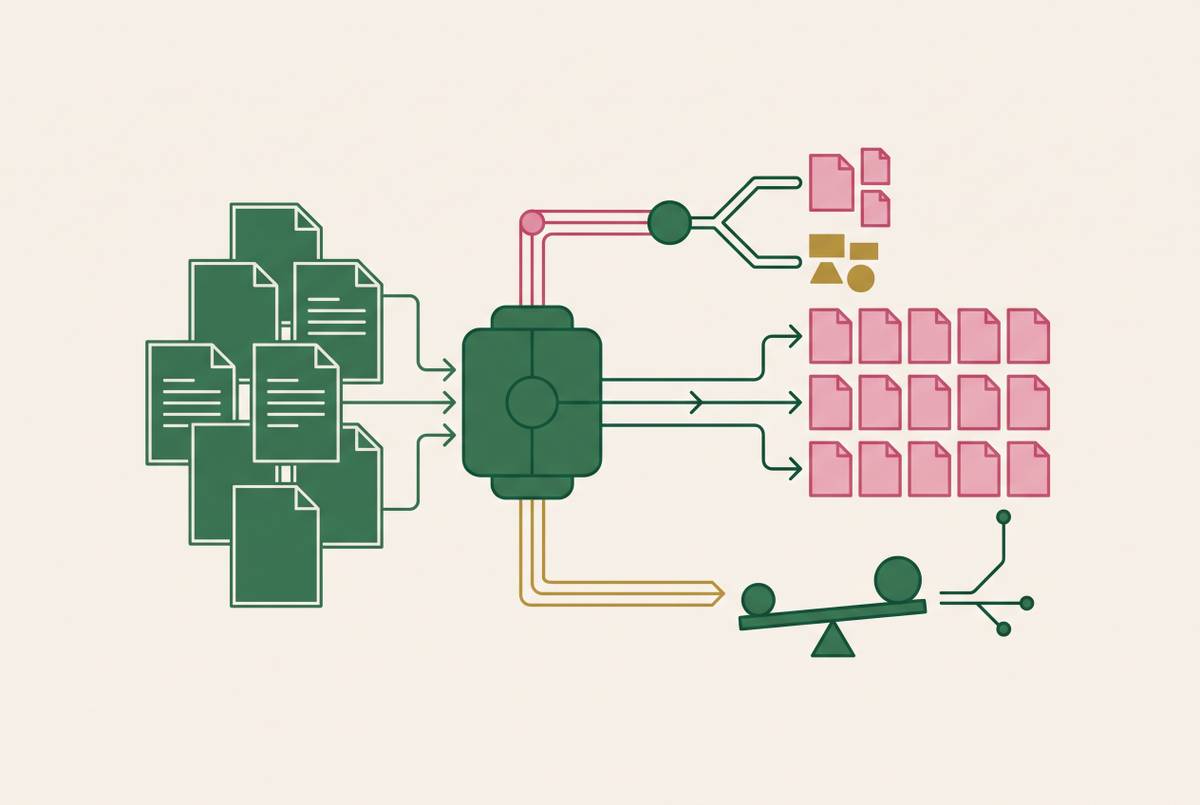
Start an evaluation with your own documents before you contact a single vendor. Audit the corpus and classify it by the failure modes established earlier: what fraction is scanned, what fraction contains borderless tables, what fraction contains multi-page tables or merged cells, and what fraction comes in at low DPI. That audit determines which architectural camp is even relevant to the evaluation before a vendor enters the conversation. Evaluate candidates on four separate dimensions rather than one aggregate score: text accuracy at the character level, layout order (whether the reading sequence is correct), table structure (merged cells, spanning headers, column alignment), and operational reliability (confidence calibration and error rate under volume). A vendor can score well on text accuracy while it fails on table structure, and that gap can produce downstream agent failures that a single number would never have predicted. The OpenBenchmarks September 2026 evaluation shows what this looks like in practice: it ranked parsers by downstream answer accuracy across 1,500 questions on 94 image-only contract PDFs rendered at 200 DPI, using a "gap closed" metric that separates how good a parser actually is from how hard the underlying questions happen to be, and that is the right model to apply against your own task rather than someone else's benchmark.
Test confidence calibration as a dimension of its own, separate from raw accuracy. The ConfBench findings show OCR+Image as the strongest input modality for confidence calibration, and they show that high character-level confidence does not reliably predict structural accuracy, so a low-confidence score on a simple table might be safe to auto-process while that same confidence number on a complex multi-row table should route straight to human review. Finally, stress-test the specific failure mode your chosen architecture predicts. You should stress-test an OCR-plus-structure pipeline on borderless tables and merged cells, because its design breaks down exactly there. You should stress-test a layout-first model on large tables and low-DPI scans, because those are the conditions TableParseMap identified as the places where even strong parsers degrade.
How document type and industry shape architectural tradeoffs
The same architectural tradeoff plays out differently depending on the industry, because different document types stress different failure modes. If you pick the wrong architecture in a high-stakes domain, you don't just get a worse accuracy score, you get a downstream agent failure with no audit trail to explain where it came from. Healthcare claims processing runs on scanned intake forms, faxed referrals, and handwritten annotations layered over printed templates, conditions that stress exactly the borderless-table and low-DPI failure modes that separate layout-first models from OCR-first pipelines. Financial services deals with multi-page statements and loan documents where tables carry spanning headers and totals that continue across page breaks. In this case OCR-plus-structure pipelines lose header association, and layout-first models, despite their own large-table limits, tend to hold up better. Logistics and supply chain documents, bills of lading, customs forms, packing lists, arrive as high-volume, moderately standardized scans where speed and determinism matter as much as structural nuance, the segment where a well-tuned OCR-plus-structure pipeline remains a legitimate choice rather than a compromise. The sound evaluation path runs the same way in every one of these industries: classify the document corpus first, match it against what each architecture is known to do well and where it is known to break, and only then bring benchmark scores in, read as a second opinion rather than a verdict.
Sources
- Benchmarking PDF Parsers on Table Extraction with LLM-based Semantic Evaluation
- Benchmarking Local OCR, Vision LLM Models on a Scanned Table — JUL 2026
- PDF Table Extraction: Layout vs OCR (August 2026)
- From Diagnosis to Correction: Benchmarking and Improving Real-World Table Parsing
- Best PDF Data Extraction APIs for Scanned Documents, Independently Benchmarked, 2026